
Home automations you can read, test and trust. Built on Apple Home, with no server and no account.
On the App Store for iPhone, iPad and Apple TV. Mac coming.ZoxoHome writes a rule like this one as an ordinary Apple Home automation, so your home hub runs it even when your iPhone is away or off.
When the hall sensor sees motion after sunset, turn on the lamp, and put it back after 10 minutes.
Saved rules become HomeKit automations on your Apple TV or HomePod. They keep working with the app closed, and they show up in Apple’s Home app too.
The hub can’t send a notification or wait between steps. Rules that do are run by ZoxoHome itself while it’s open, and the editor tells you so. A rule never silently does nothing.
No server, no account, no analytics. Your home data goes between the app and HomeKit and nowhere else, unless you turn on cloud drafting.
ZoxoHome’s demo home, on a Mac and on an iPhone.
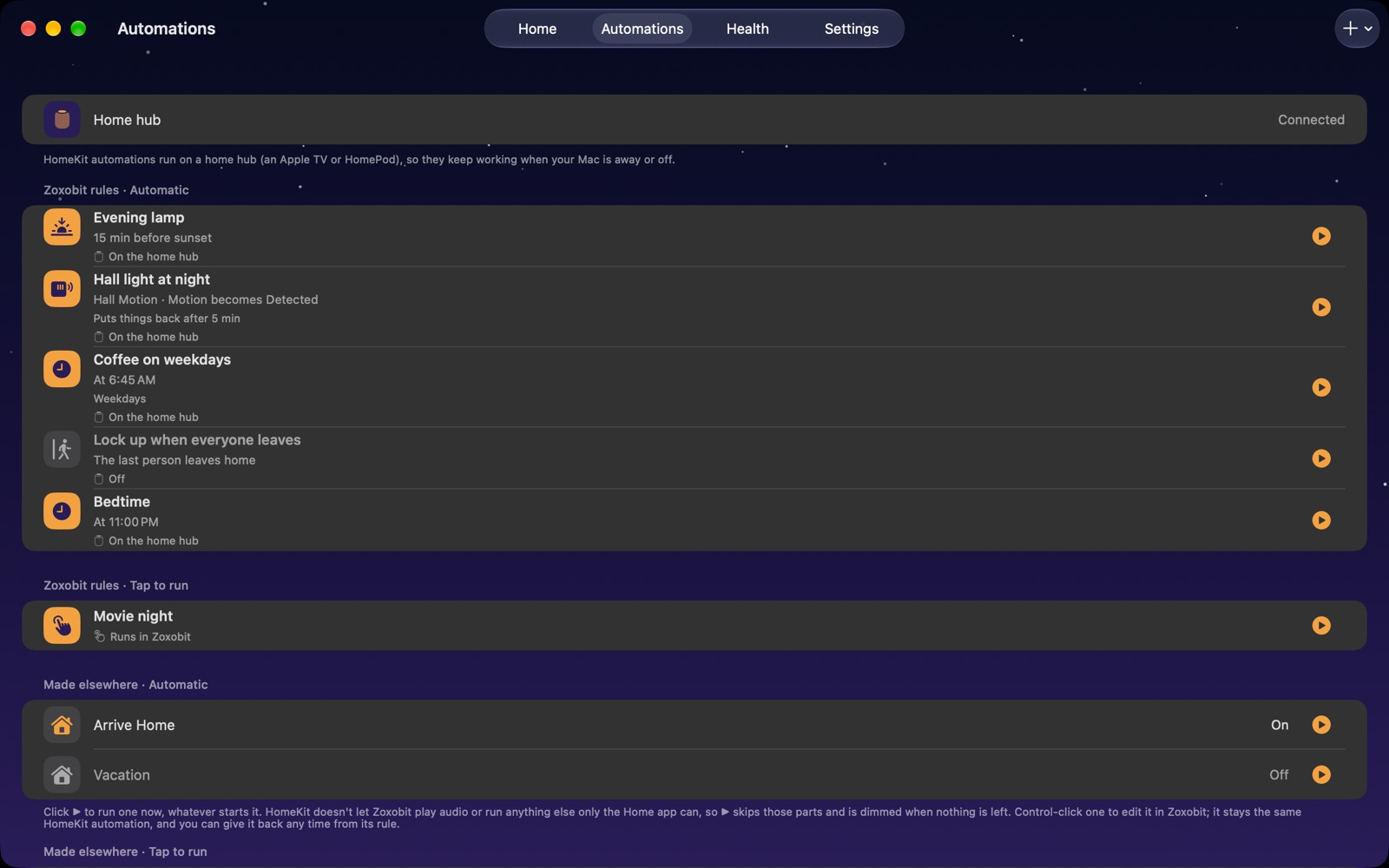
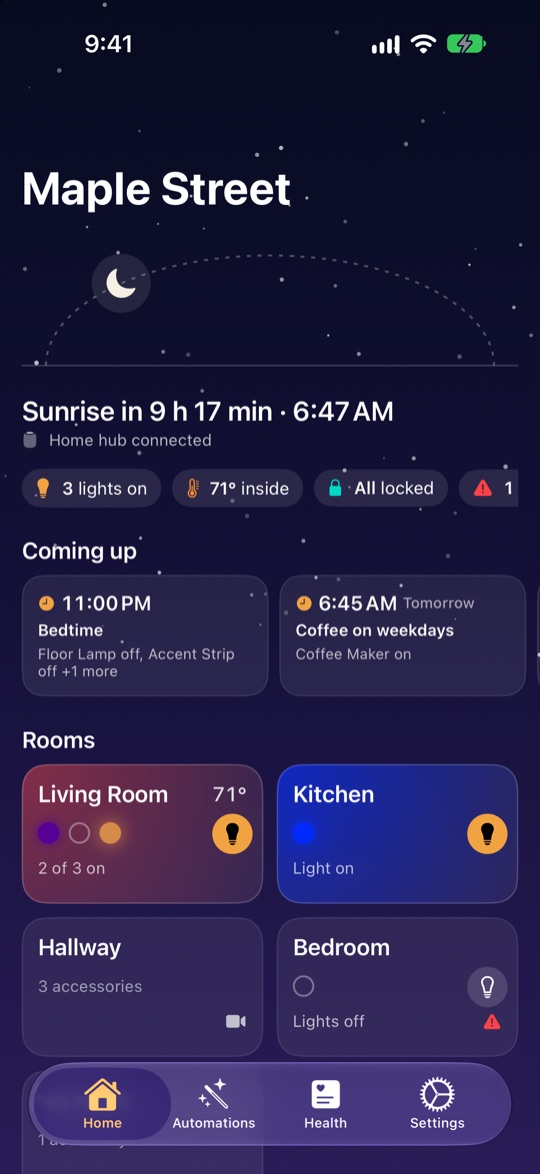
The parts of home automation that are hard to see in the Home app, out in the open.
Play a rule against a made-up evening, alongside all your other rules, and see what each one would do and when. Your home doesn’t change.
See, line by line, which trigger it’s waiting for and which condition is stopping it right now.
Warns you when two rules fight over the same light, or when one rule keeps setting off another.
Every saved version of a rule, with what changed in plain words. Go back to any of them, or bring back a deleted rule.
One list of what needs attention: a hub that’s offline, accessories not responding, low batteries, rules that can’t run.
Days, the sun, who’s home and the buttons on the wall, with rules ready to go.
Limit a rule to weekdays or a time of year, run it around sunrise or sunset, turn things back off after a while, or act when you get home or reach a place on the map. A rule can need all of its conditions or just any one.
Turn on the porch light 15 minutes before sunset, on weekdays, then turn it off after 4 hours.
Start a rule from a single, double or long press of a HomeKit button. Use colour lights, blinds, garage doors, thermostats, fans, sprinklers, smoke, CO and leak sensors, and security systems.
Ready-made rules for what your home has: night lights where there’s a motion sensor, locking up at night, everything off when everyone leaves.
Lights that come on and go off at different times on different days while nobody’s home, so the house looks lived in.
Edit automations you made in the Home app. They stay the same automation on the hub. If one can’t be carried over exactly, ZoxoHome says why and leaves it alone.
Say what you want, run rules from Siri or a widget, and keep them the same on every device.
Type or say what you want and Apple’s on-device model drafts the rule. The microphone button on every page starts listening, and speech becomes text on your device. Or pick Claude or ChatGPT with your own API key or ChatGPT plan, once you allow it. You check the draft in the editor before anything is saved.
“Turn the hall lamp on when there’s motion after sunset, and off again after 10 minutes.”
When hall motion is seen after sunset, turn on the hall lamp, then turn it off after 10 minutes.
Apple Intelligence on iOS 26, or your own Claude or ChatGPTRun a scene or a rule, or turn a rule on or off, from Siri, Shortcuts, a Home Screen widget or Control Center. Each one opens ZoxoHome to do it.
Send a rule as a file. Opening it matches the accessories by name in the other home, and it starts turned off.
Keep rules the same on every device, if you turn it on. The Mac version, once App Review passes it, runs the rules the hub can’t while its window is open, and any rule from the menu bar.